|
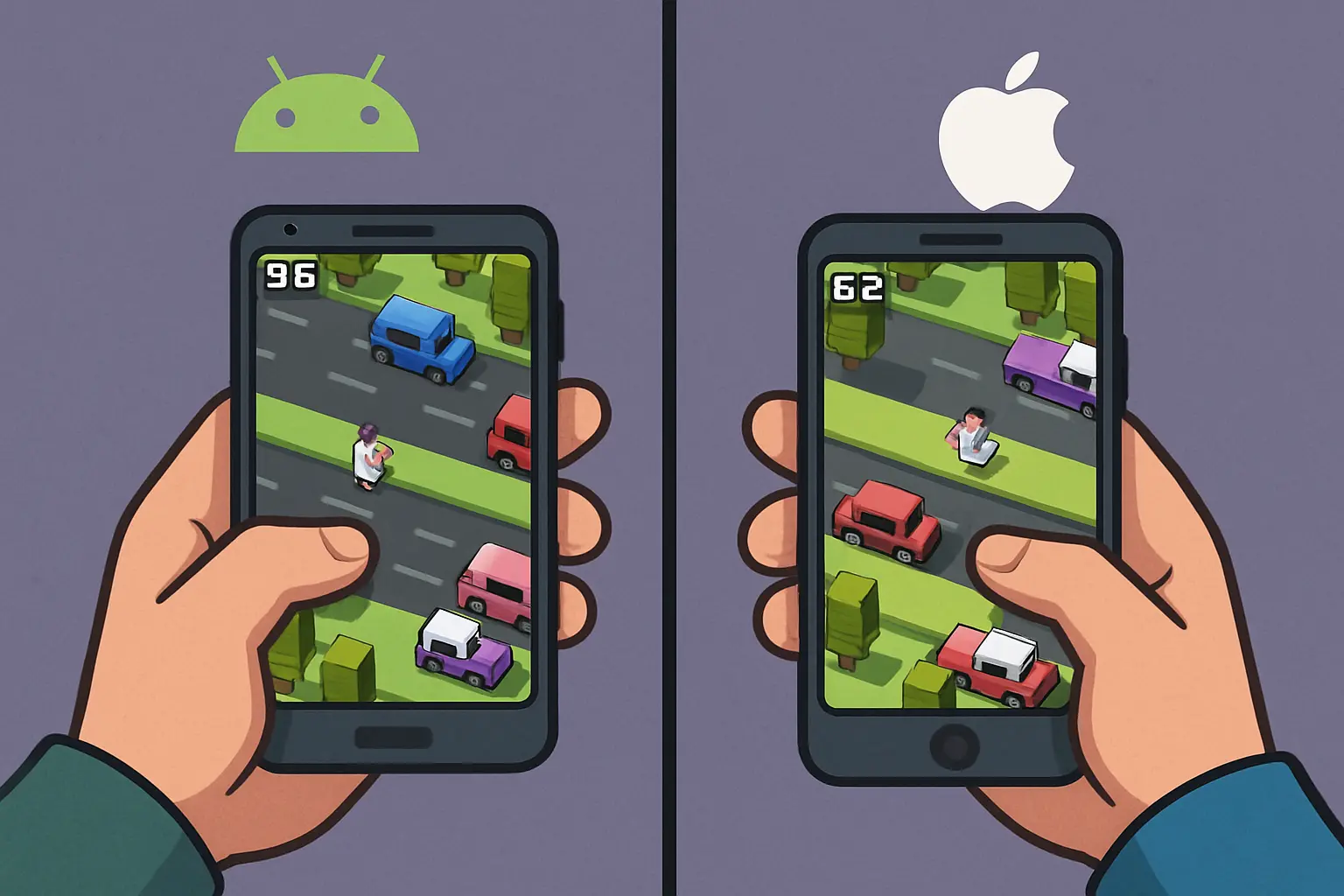
A single tap. That’s all it takes to start the loop. A frantic hop forward, a truck skimming past your beak, a river that won’t wait, then a perfectly timed bob onto a floating log. I tested Chicken Road extensively across Android and iOS to compare performance, controls, cloud saves, and practical tips so you can get the best possible experience.
Quick platform verdict at a glance (for the impatient)
- Smoothness: iOS ProMotion phones/tablets hold 120Hz cleanly; premium Android devices reach 90/120Hz but may need toggles.
- Input feel: iPhone haptics are tighter; top Android flagships close the gap.
- Battery & heat: iPhones sip power in short runs; midrange Androids run warmer in long sessions.
- Ads & IAP: Comparable; restore is simpler to verify on iOS.
- Cloud saves: Game Center and Google Play Games both work; cross‑progression requires an in‑game account.
- Controllers: Works on both; prompts are slightly more polished on iOS.
- Best overall experience: iPhone/iPad ProMotion for stable 120Hz and excellent haptics. Best value: Android on a 120Hz display with performance preset.
|
Setting the stage: what Chicken Road really asks of your phone
Chicken Road is a lane‑based endless hopper in the Frogger tradition. Its mechanics are light, but micro‑stutter, touch latency, or mismatched haptics can cost you precise hops. A stable 60 or 120 FPS doesn’t just look better — it increases the number of decision points per second and can be the difference between a clean landing and a feathery disaster.
How I tested Chicken Road on Android and iOS
- Devices: iPhone Pro & non‑Pro, iPad Pro, recent Pixel, Galaxy flagship, and a midrange 120Hz Android.
- Frame rate: Verified with platform overlays and high‑speed filming for frame pacing.
- Refresh rate, input latency, load times, battery/thermal logs, ads/IAP flows, cloud saves, and controllers were all tested repeatedly across conditions.
Performance (FPS/120Hz): the smoothness that saves your feathers
Chicken Road’s engine is light; refresh rate matters more than raw GPU power. When the game renders at 120fps on your phone, animations tighten and lane judgments improve.
iOS baseline
ProMotion iPhones and iPad Pro hold 120Hz reliably with consistent frame pacing. Non‑Pro iPhones are capped at 60Hz but remain steady and snappy.
Android baseline
Premium Android phones with 120Hz panels can match iOS, but often require enabling performance modes or per‑app allowances. Midrange 120Hz devices may dip to 90/60 under thermal load or background tasks.
Real‑world example runs:
- iPhone Pro: 120Hz made micro‑timings readable; the jump arc felt elastic and precise.
- Pixel flagship: Matched iPhone Pro when Smooth Display and per‑app high refresh were enabled.
- Galaxy flagship: Game Launcher set to performance kept 120Hz engaged, but battery‑saving modes may step it down.
|
Input latency, touch processing, and haptic quality
In a one‑tap arcade, tap‑to‑hop latency, timing jitter, and synced haptics matter as much as FPS.
- iOS: Taptic Engine and Apple’s input pipeline give tight, synchronized haptics and consistent taps.
- Android: Flagships have comparable latency and strong haptics; midrange devices can suffer from weaker motors or queued touches under CPU scaling.
Controller feel
Bluetooth controllers work well on both platforms. Physical clicks offer consistent timing and unobstructed view of the playfield.
Visuals, aspect ratios, and safe‑area notes
The game’s art is colorful and legible; taller displays give extra lookahead, and iPad’s larger canvas improves pattern recognition. UI elements respect safe areas on both platforms.
Load times and storage footprint
iOS launches are snappy; modern Android flagships with UFS storage are comparable. Midrange Androids can take a few extra seconds on cold starts.
Battery and thermals: the real cost of one more run
120Hz increases power draw but improves feel. iPhones tend to remain cool in short runs; midrange Androids may heat and downshift refresh rates during long sessions.
Tip: lock to 60Hz for marathon attempts to favor consistency over peak smoothness.
Ads and in‑app purchases: frequency, removal, and friction
Chicken Road uses interstitials and rewarded ads. Remove Ads IAP exists on both platforms; restores are straightforward when signed into the same store account. Network hiccups can delay ads and create awkward timing.
Cloud saves and cross‑progression: keeping your streak alive
Achievements and leaderboards sync via Game Center or Google Play Games. Actual save data (unlocks/coins) depends on whether the developer implements cloud sync. Cross‑platform progress requires an in‑game account — without it, treat progress as device‑local.
Controller support: the tactile alternative
iOS: MFi, Xbox, DualSense pair cleanly with polished prompts. Android: HID/Xbox/DualSense pair reliably, though prompts may be more generic. Bluetooth latency is minimal on modern devices.
How‑tos and troubleshooting that actually solve problems
Playing offline
Core gameplay works offline; rewarded ads and leaderboards are unavailable. Remove Ads purchases remain honored offline.
Restoring purchases
- iOS: In‑game Settings → Restore Purchases. Ensure the same Apple ID and Screen Time IAP permissions.
- Android: Sign into the Google account used to buy; use in‑game Restore. If it fails, clear Play Store cache and retry.
Fixing lag or stutter (Android)
- Enable high refresh (Display settings → 120Hz).
- Whitelists: permit the game to use high refresh or set performance mode in Game Launcher.
- Disable battery savers, exempt the game from optimization.
- Close background apps, reboot if the phone is hot, and keep storage headroom.
Fixing lag or stutter (iOS)
- Turn off Low Power Mode for best performance.
- Close heavy background tasks; consider a reinstall if updates introduce issues (ensure cloud backup first).
Connection issues with Game Center / Play Games
- iOS: Settings → Game Center; toggle or re‑sign to refresh the connection.
- Android: Open Google Play Games to confirm profile; clear the game’s cache if needed.
Transferring progress between devices
iOS↔iOS and Android↔Android transfers work when cloud save is implemented and you use the same account. Cross‑platform transfer requires a developer‑provided account system; otherwise, treat progress as separate.
Turning off ads cleanly
Purchase Remove Ads in‑game and use Restore Purchases on other devices signed into the same store account. Offline play hides ads but also removes rewarded bonuses.
Platform features beyond the game: achievements, family sharing, and parental control
- Achievements & leaderboards: Present on both platforms via Game Center/Play Games; network delays can defer sync.
- Family sharing: Apple Family Sharing may share Remove Ads if the developer allows; Google Play family options vary for IAPs.
- Parental controls: Use Screen Time (iOS) or Family Link (Android) to limit play and lock purchases.
Settings that matter
Android
- Display refresh: set to max and whitelist the game.
- Battery optimization: exempt the game.
- Game booster: choose top performance.
- Touch sensitivity: enable enhanced touch if available.
|
iOS
- Low Power Mode: turn off for max smoothness.
- Motion settings: keep Reduce Motion off for ProMotion benefits.
- Haptics: keep System Haptics on for best sync.
|
Recommended devices
Top picks: iPhone Pro / iPad Pro for ProMotion and haptics; Android flagships with 120Hz for parity; midrange 120Hz Androids for best value.
Sensible settings and habits for better runs
- Prefer 120Hz when fresh; switch to 60Hz if device heats up during endurance sessions.
- Keep haptics on—tiny pulses reinforce rhythm.
- Use sound effects as subtle tempo cues; consider disabling music when chasing scores.
A deeper look at input timing: why little things feel big
Tight timing windows mean frame cadence, touch pipeline stability, and haptic sync all shape your internal metronome. Give yourself a dozen runs when switching devices to rebuild that rhythm.
The family and kids angle
- Cartoonish and gentle content; guard against accidental IAPs with parental controls.
- Offline play works great for travel.
- If sharing devices, keep to one platform if cross‑save isn’t available.
What to do when Chicken Road breaks after an update
- Android: clear app and Play Store cache; reinstall if necessary.
- iOS: ensure cloud save exists, then reinstall to clear caches if needed.
- Verify store logins and re‑enable any reset permissions after updates.
Small pro tips that feel like cheating but aren’t
- Play briefly on 120Hz to set rhythm, then switch to 60Hz for long runs to avoid throttling artifacts.
- Practice on a tablet to train lookahead and pattern recognition.
- Disable music and keep effects on for cleaner auditory cues.
Concise Android vs iOS summary
| Category |
iOS |
Android |
| Peak refresh / FPS |
120Hz stable on Pro; 60Hz on others |
120/90Hz available; may require settings; midrange may dip |
| Input latency |
Excellent; consistent |
Excellent on flagship; midrange may vary |
| Haptics |
Tightly tuned, short pulses |
Strong on high end; weaker on some midrange |
| Cloud saves |
Game Center / iCloud if implemented |
Play Games / cloud if implemented |
Chicken Road vs Crossy Road: clearing the brand fog
Chicken Road sits in the same endless‑hopper tradition as Crossy Road but favors sharper, syncopated difficulty spikes and a cleaner visual identity. It’s familiar but distinct in physics tuning and tempo.
A measured, platform‑by‑platform verdict
- iOS ProMotion: Best for purists — precise input and premium haptics.
- iOS non‑Pro: Rock‑solid 60Hz and battery‑friendly.
- Android flagship: Top experience with correct settings; OEM variability is the main caveat.
- Android midrange 120Hz: Great value, occasional dips; excellent for casual play.
Closing thoughts: why the platform choice matters less than your preparation
Chicken Road thrives on rhythm. Hardware smooths frames and tightens taps, but learning your device and tuning refresh, haptics, and heat management will improve your runs more than any brand choice.
Key takeaways
- ProMotion iPhones/iPads deliver the cleanest 120Hz; Android flagships match with proper settings.
- Touch latency and haptics favor iOS slightly; flagship Androids are usually close enough.
- Battery/thermal behavior is device‑dependent; midrange Androids can throttle earlier.
- Cloud saves depend on developer implementation; don’t assume cross‑platform transfer without an in‑game account.
- Controller support is strong on both platforms; iOS prompts are more polished.
|
When the frame pacing fades, the haptic tick becomes heartbeat, and your hand just moves — that’s the device you were meant to use. One tap at a time.
|